 SlidePiece
An iPad remote for MainStage
Your MainStage controls, right on your iPad.
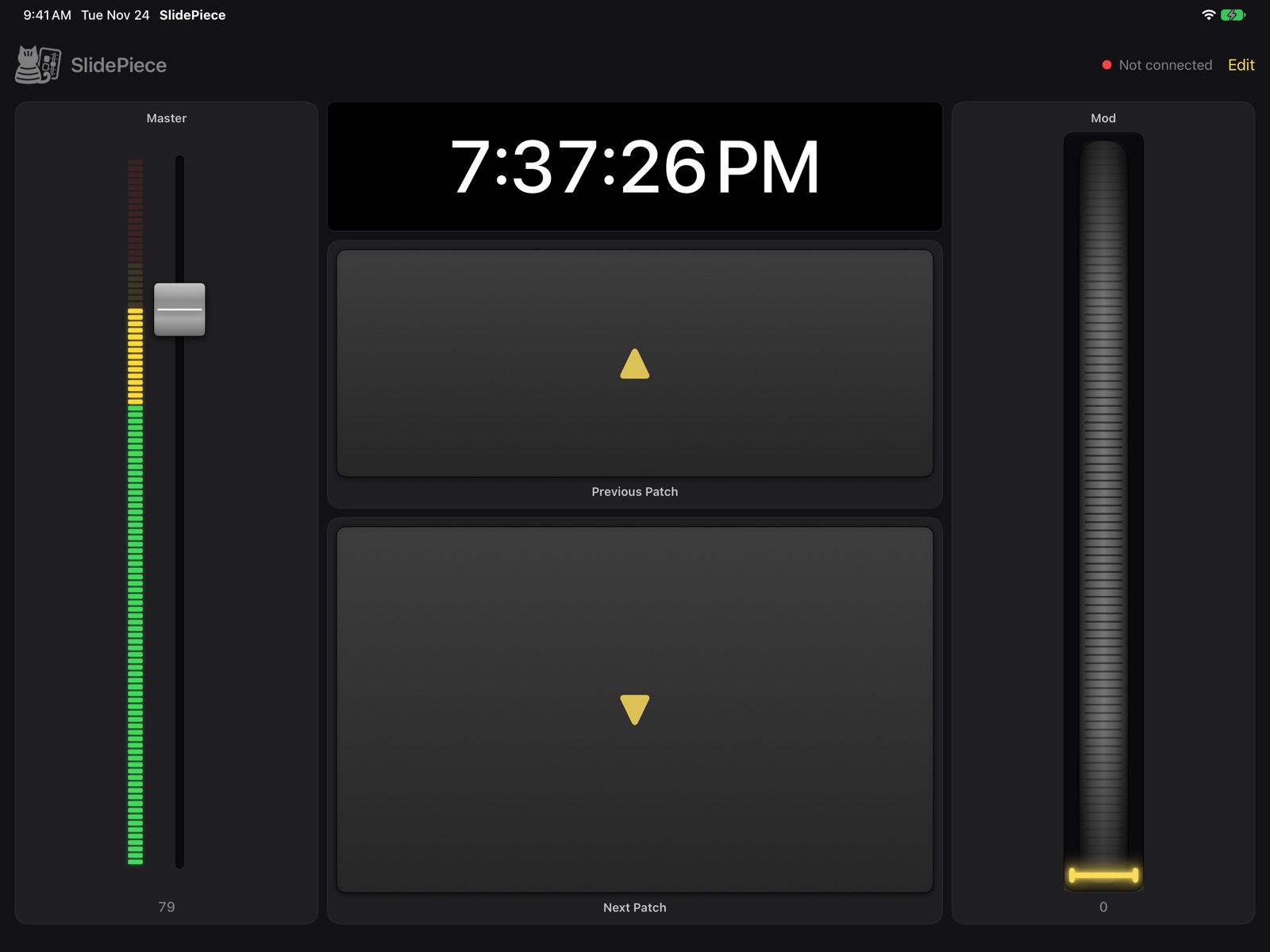
SlidePiece turns an iPad into a control surface for your live keyboard rig: big faders, a mod wheel, pitch bend and patch buttons, laid out the way you like. It talks to your Mac over Bluetooth MIDI, so there's nothing to install on the Mac.
Made for the stage
MainStage looks great on a laptop screen, but small trackpad targets are hard to hit mid-song. SlidePiece puts the controls you reach for most on a big touch screen next to your keys.
Change patches
Big Previous and Next buttons for patches and sets, easy to hit without looking.
Ride the mix
A long master fader with a level-style scale, plus extra faders for any parameter you like.
Add expression
A mod wheel and a pitch bend wheel for a controller that doesn't have them, or a second set by the other keyboard.
Features
Everything is laid out on a grid you can change in seconds, and it looks at home next to MainStage's own dark controls.
Your own layout
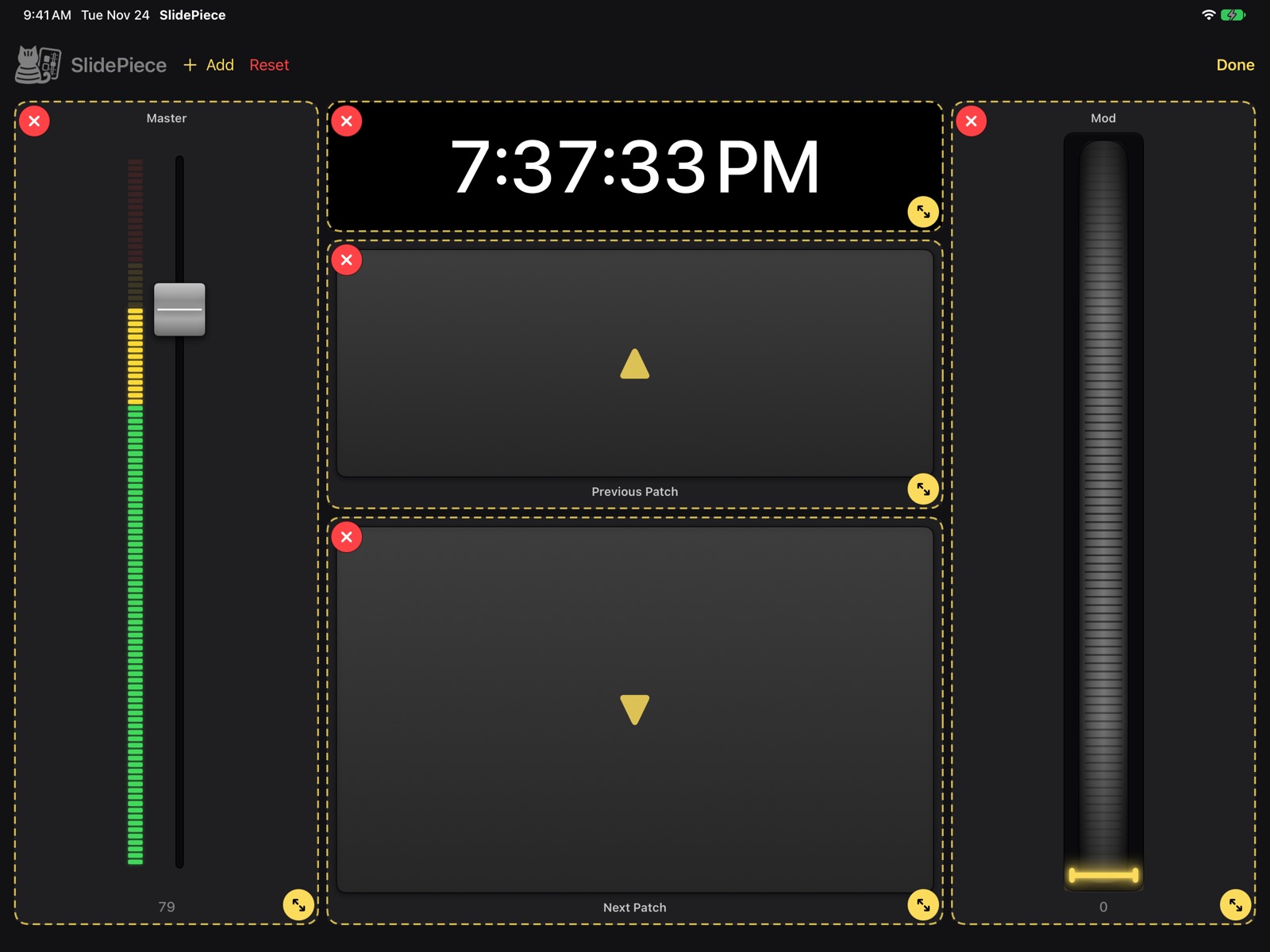
Tap Edit to add, remove and resize controls on the grid. Your layout is saved on the iPad.
Faders
A Master Level fader with a meter-style scale, and general-purpose faders for any parameter.
Mod and pitch wheels
The mod wheel sends CC 1. The pitch bend wheel springs back to center at the speed you pick, or stays put.
Patch and set buttons
Previous or Next Patch or Set, or a custom button that sends any CC.
Clock and notes
A large clock to keep an eye on the time, and text tiles for song titles or reminders.
Bluetooth or Wi-Fi
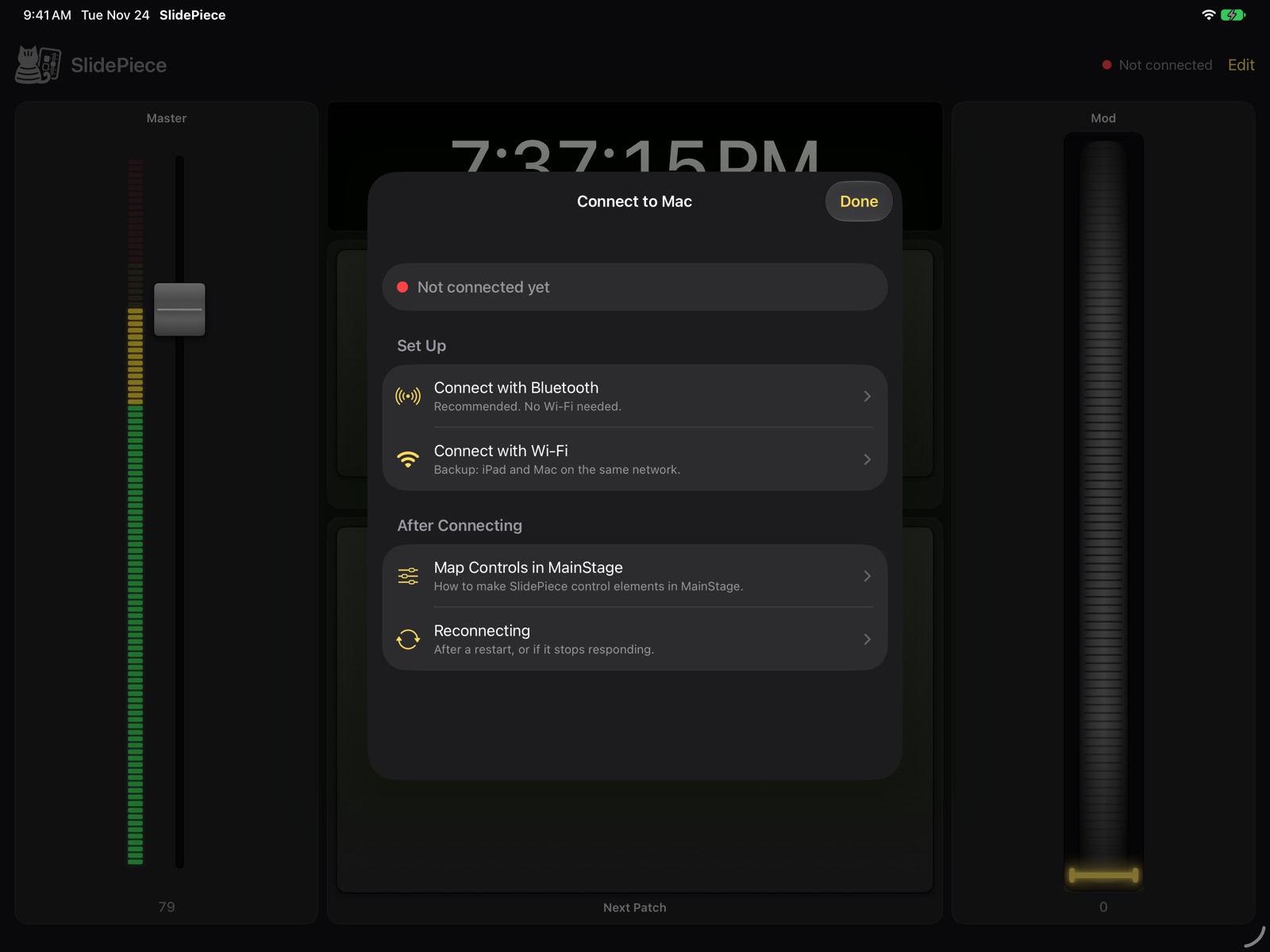
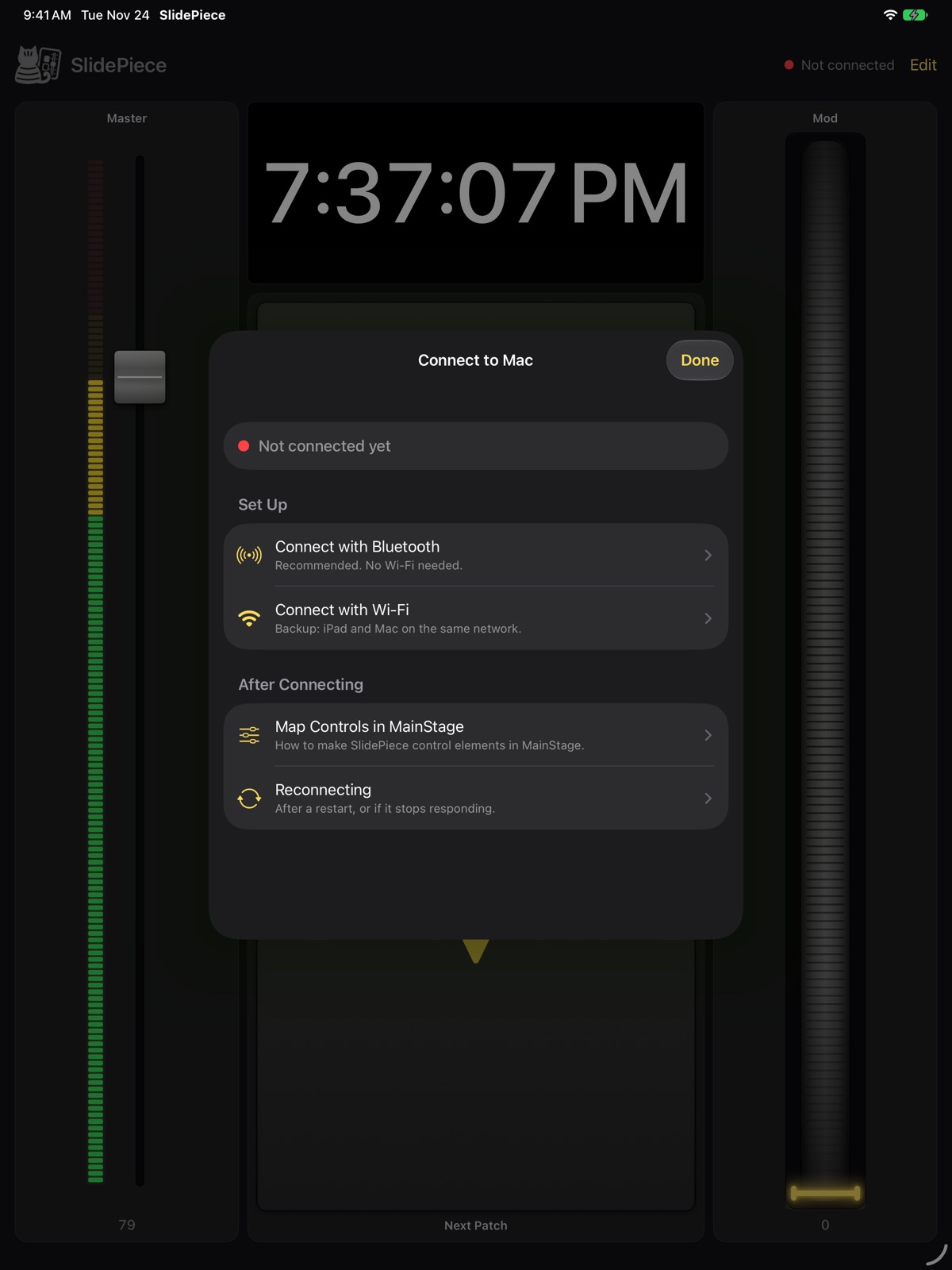
Bluetooth MIDI needs no network at all. Wi-Fi Network MIDI is there as a backup. Nothing to install on the Mac.
Works with Learn
Map each control in MainStage with Assign, the same way you map any hardware controller.
Every number adjustable
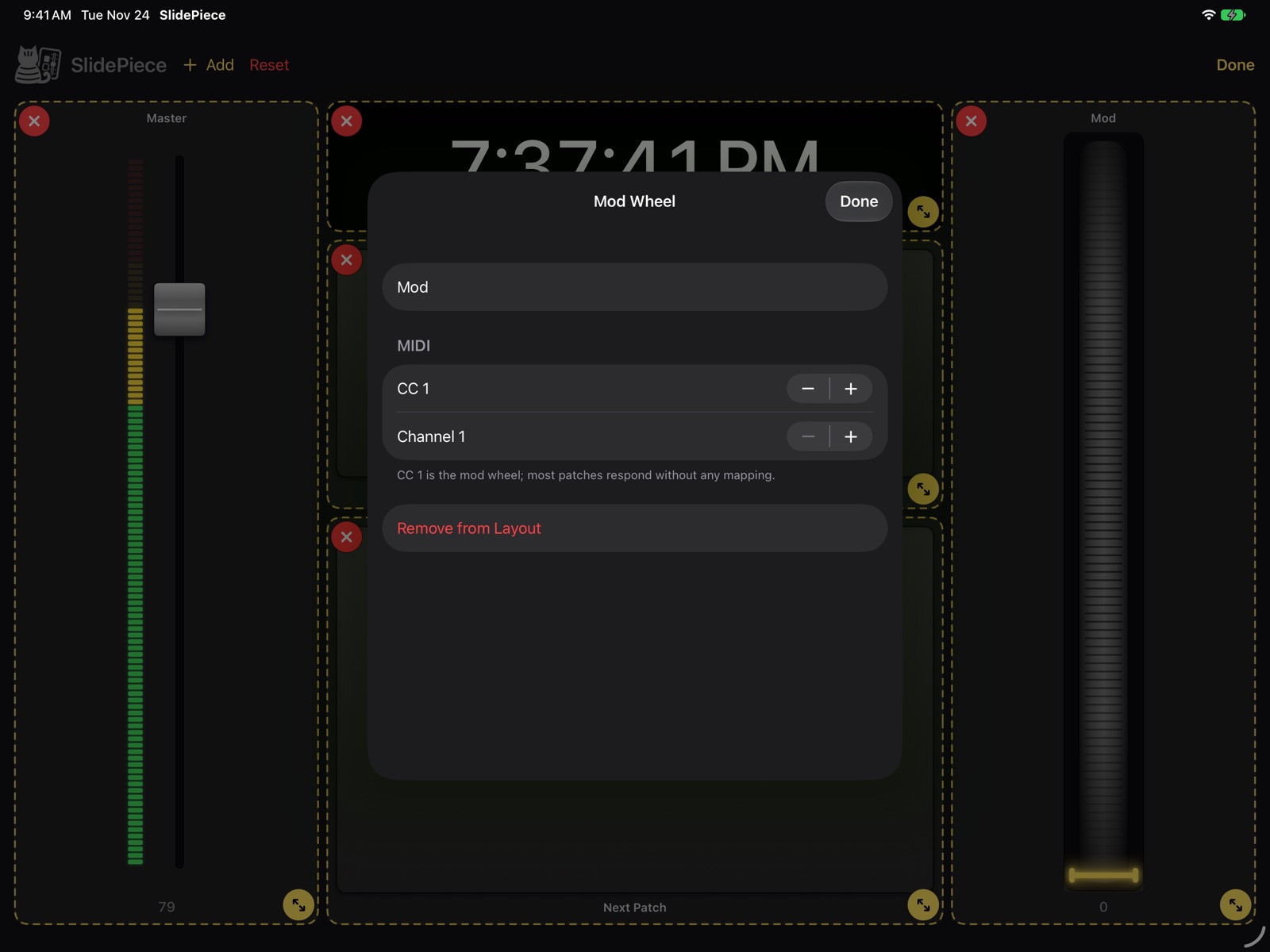
Change any control's CC number and MIDI channel to fit your concert.
Built-in setup guide
Step-by-step help for connecting and mapping is inside the app, with pictures.
Screenshots
The default layout, ready to map. Change any of it in Edit mode.

Coming soon to the App Store
SlidePiece is in testing now. For iPad, with iPadOS 17 or later.